Ted writes, you send
Ted answers customers and writes to people who could buy, from your business's address. Each draft waits for your Send, unless you've switched Run to On its own.
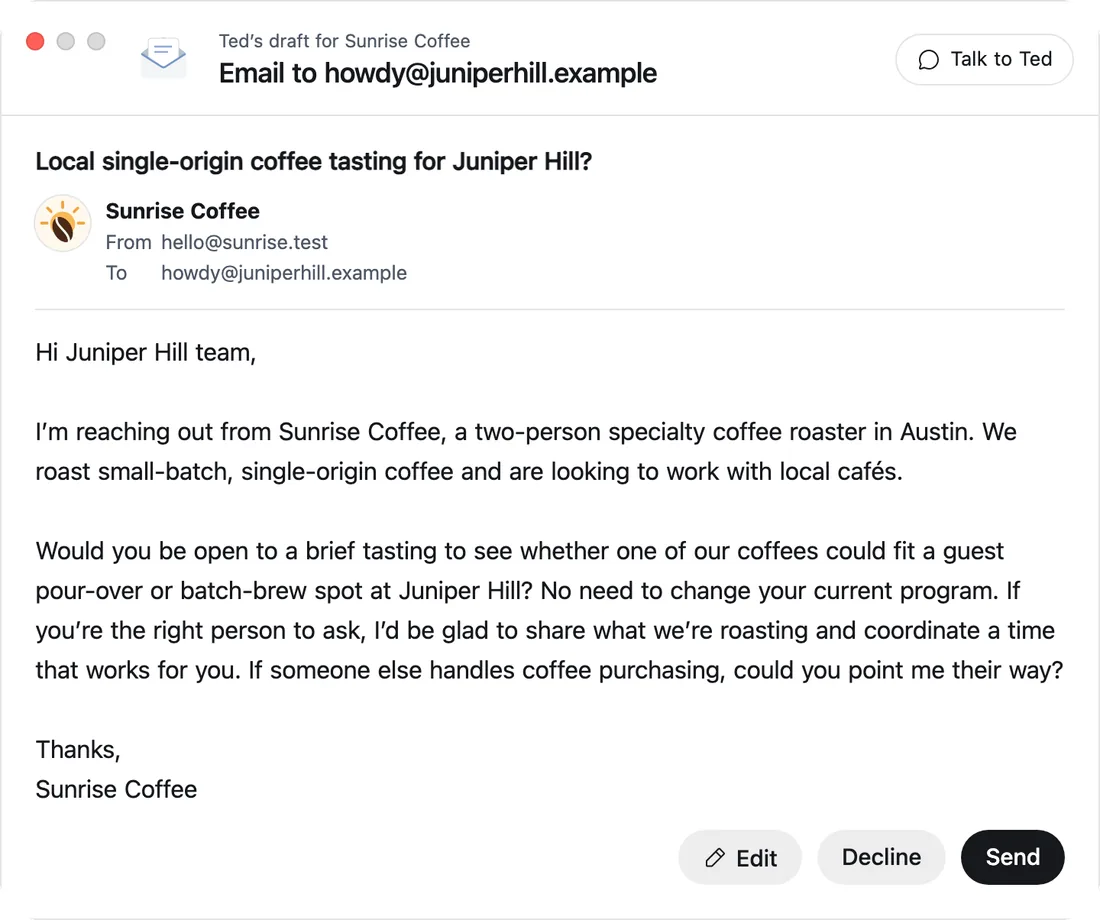
Your business gets an inbox of its own. Ted answers customers and writes to the people your business needs to reach, from its own address and in its name, and his drafts wait for your OK.
Tell Ted about your businessSee Ted's phone line
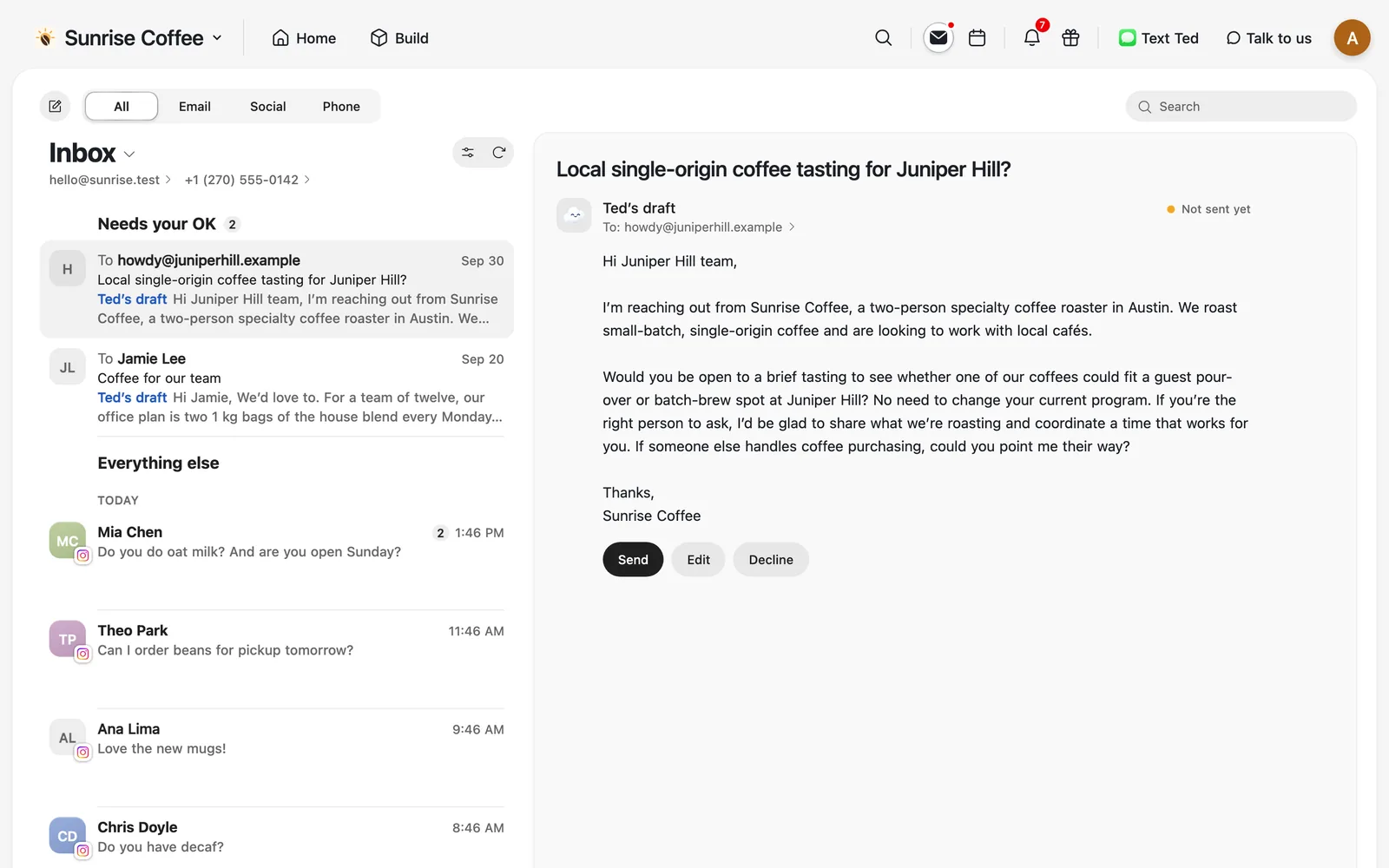
Your customers' emails, answered, and new people written to.
Ted answers customers and writes to people who could buy, from your business's address. Each draft waits for your Send, unless you've switched Run to On its own.
Use the address Foundable sets up, send from your own Gmail or Outlook, or move to your own domain. Mail to your old address keeps arriving.
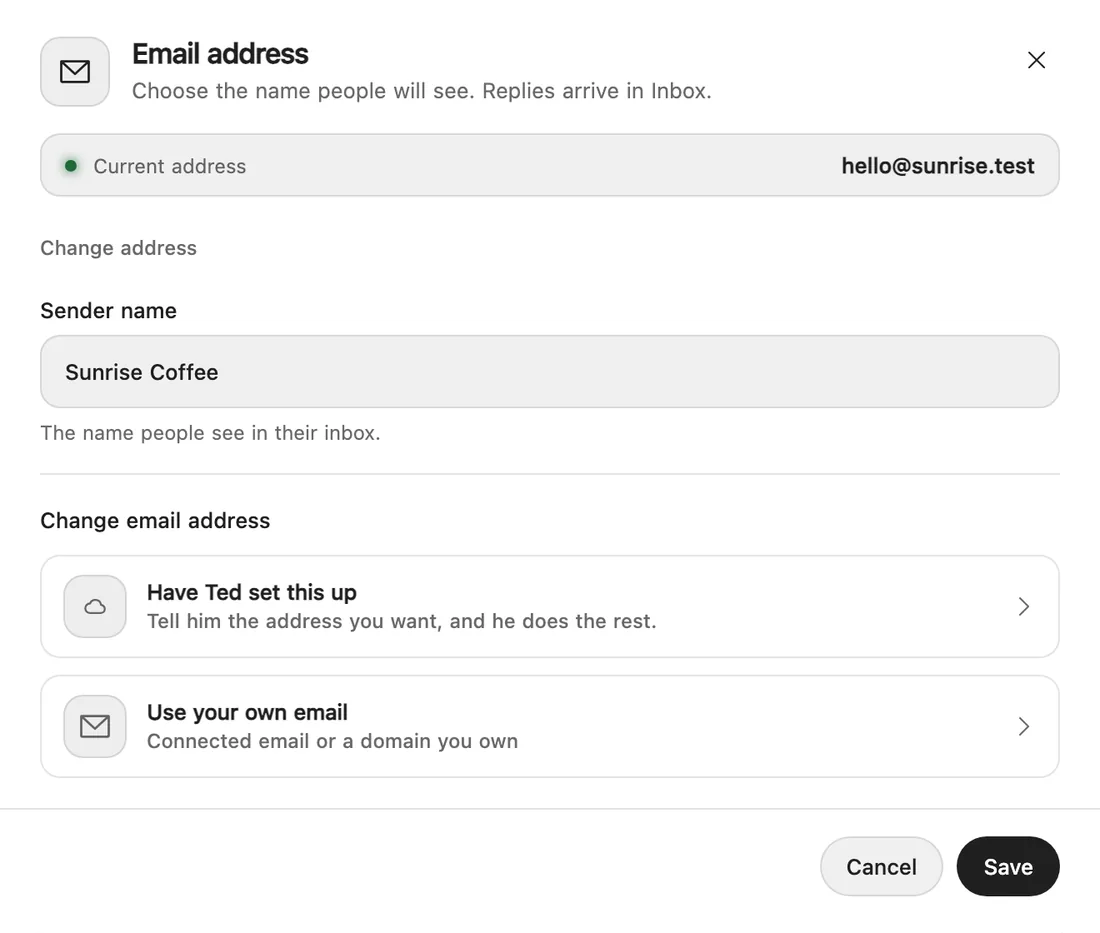
Ted's drafts and the emails that need you sit at the top of the Inbox. When a customer writes in with a question, Ted emails you so it doesn't slip.
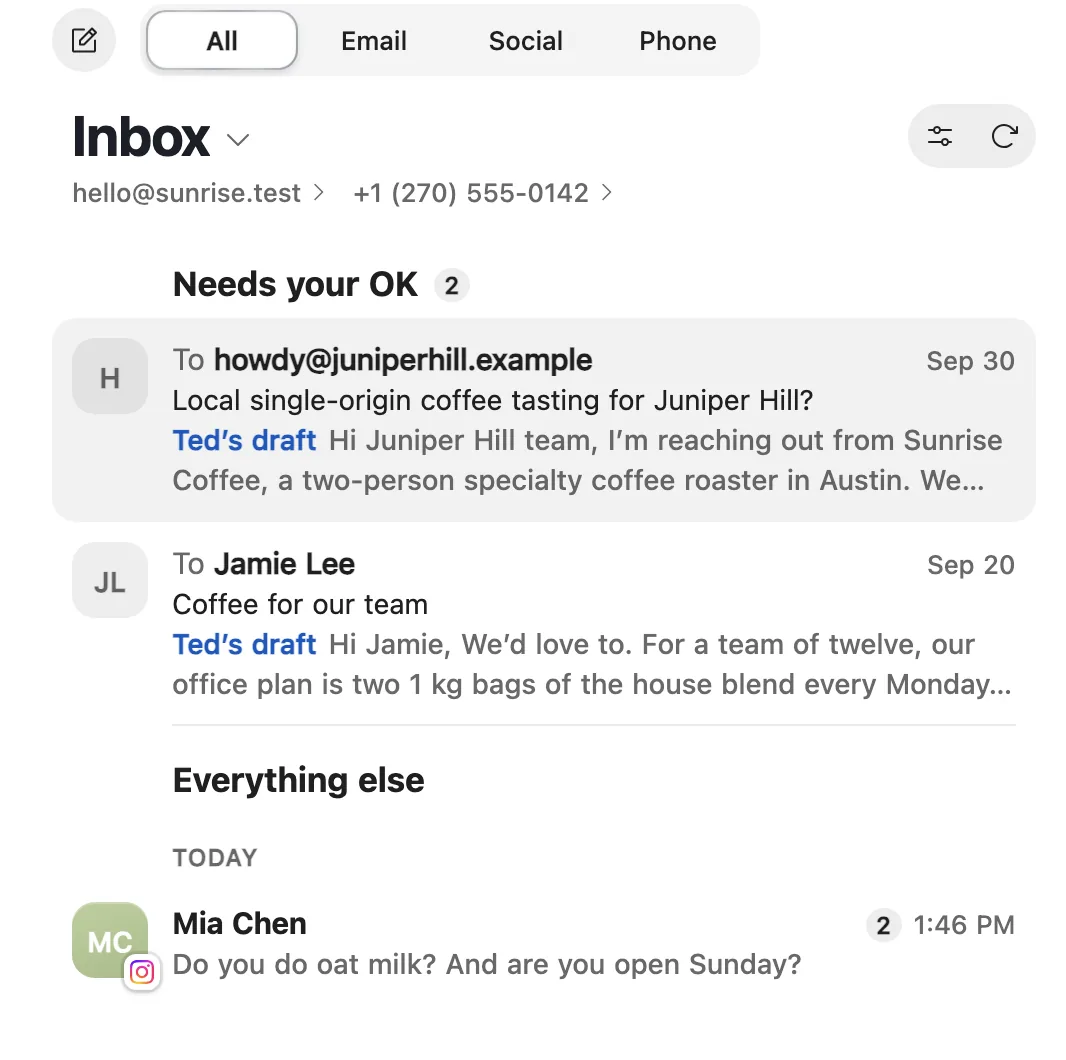
An address for your business, set up for you.
Answers to customers and first emails to new ones.
Edit, decline or send, or let Ted send on his own.
An address of its own, set up for you.
Drafted by Ted, sent with your OK.
First emails to people who could buy.
On the day you pick, only to those who haven't answered.
To everyone who signed up on your website.
A few seconds to take an email back.
Your business's own address, set up for you, and signed as your business. You can send from your own Gmail or Outlook instead, and on a paid plan a domain you buy through Foundable moves your address to hello@ that domain by itself.
His drafts wait for your OK, unless you've switched Run to On its own. Pressed Send and changed your mind? For a few seconds, Undo brings it back.
Yes. Ask him to follow up on a day you choose, and that day he writes only to the people who haven't answered. An out-of-office doesn't count as an answer.
Yes. Ted drafts the newsletter, and one press of Send mails it to everyone who signed up on your website, leaving out anyone who unsubscribed. Website emails and newsletters come with a paid plan.
Yes. The paperclip next to Send attaches your files to any email you write.
